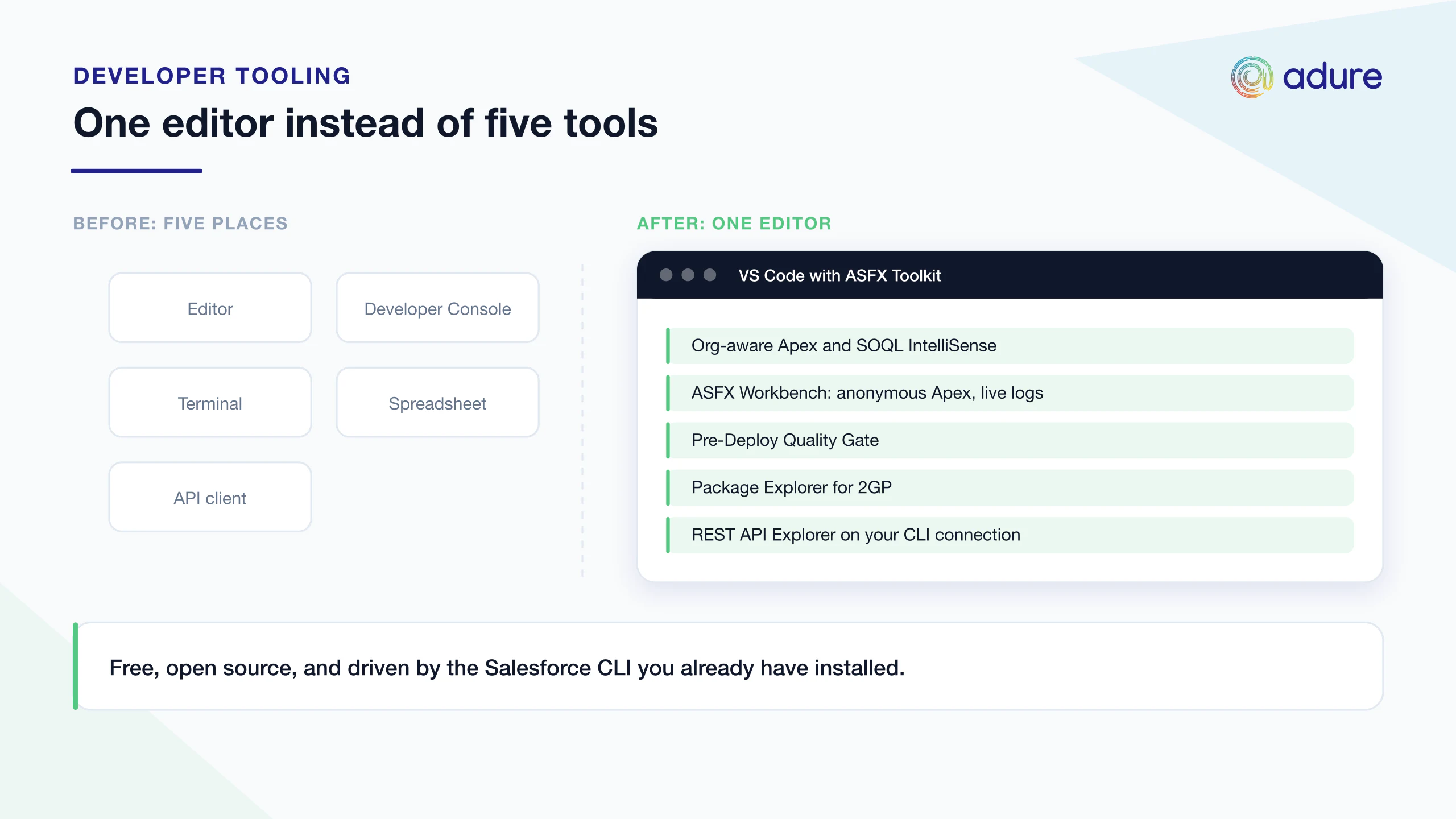
Salesforce development has a tab problem. IntelliSense lives in the editor, debug logs live in the Developer Console, deployments run from a terminal, package versions live in a spreadsheet somebody maintains, and API testing happens in a separate client entirely. None of it is hard. It is just scattered.
ASFX Toolkit is our attempt to pull that work back into one place. It is a free, open-source extension for VS Code and Cursor that brings org-aware tooling into the editor, all driven by the Salesforce CLI you already have installed.
Org-aware IntelliSense for Apex and SOQL
Completion that knows your actual org, not just the language. Relationship traversal, picklist value completion and type-aware operators, so the editor can tell you what a field really accepts rather than guessing from the syntax. Apex CodeLens and Apex Snippets sit alongside it in the same editor.
It also generates schema stubs, which give you go-to-definition on org metadata and, increasingly usefully, give AI coding tools a real description of your schema to work from.
Running and debugging Apex
The ASFX Workbench is a unified bottom panel that runs anonymous Apex and shows live debug logs and governor limits next to the code you just executed. A Debug Filter strips the log down to your USER_DEBUG statements and errors, which is most of what you were scrolling for anyway.
The SOQL Builder and Editor sits alongside it with inline record editing and CSV or JSON export, so exploratory queries do not mean a round trip to another tool.
Deployment with a quality gate
Smart push and pull that understands source tracking, plus deployment history and an Apex Coverage panel.
The part we use most is the Pre-Deploy Quality Gate: before code goes up, it scans for leftover debug statements, hardcoded IDs, and SOQL or DML inside loops. These are the review comments every Salesforce team writes over and over, and catching them before deployment is cheaper than catching them in a pull request.
Orgs, packages and data
An Org Explorer and a Scratch Org Wizard for the environments, and a Package Explorer that acts as a Dev Hub control panel with install links and dependency tracking. That last one is useful if you build managed or unlocked packages and currently track versions by hand.
For data there is a Data Migration Wizard that preserves referential integrity, CSV and JSON import and export with upsert, and a REST API Explorer with templates and no auth setup, since it reuses your CLI connection. An Org Health Dashboard shows API limits and usage.
What you need
The Salesforce CLI must be installed, because the extension drives it rather than replacing it. It works best alongside the official Salesforce Apex extension, and activates automatically in any folder containing an sfdx-project.json.
Free and open source
ASFX Toolkit is released under the BSD-3-Clause-Clear licence and is available on the Visual Studio Marketplace and Open VSX. There is no paid tier and no account to create. The repository is at github.com/AdureIO/SFX-Toolkit.
We build on Salesforce every day, both consultancy work and our own products @Sign and Famkosoft. This is the tooling we wanted for that work, so we made it public. Issues and pull requests are welcome.